Case study: how a two-artist studio could run every consult the same way
An illustrative example of a small studio that turned consults scattered across DMs into one repeatable process, with a preview, an approval and a record for every client.
The InkVista3D team
2 min read
The studio: two artists sharing a front desk, one booking calendar and one Instagram account. Consults happen wherever the client happens to write: Instagram DMs, email, text messages, sometimes in person on a Saturday.
The problem: nobody can find the agreement
When a consult lives in a DM thread, the "approved" version is whichever image was sent last, and the size is whatever was mentioned somewhere in forty messages. When one artist is off sick and the other covers the session, they start by scrolling.
- Versions of the design scattered across apps
- Sizes and placement agreed in words, not numbers
- No clear moment where the client said yes
- Every artist doing it slightly differently
The new process, in four steps
- Every booking gets a project. The client's name and body area go in on the day they book, whoever takes the booking.
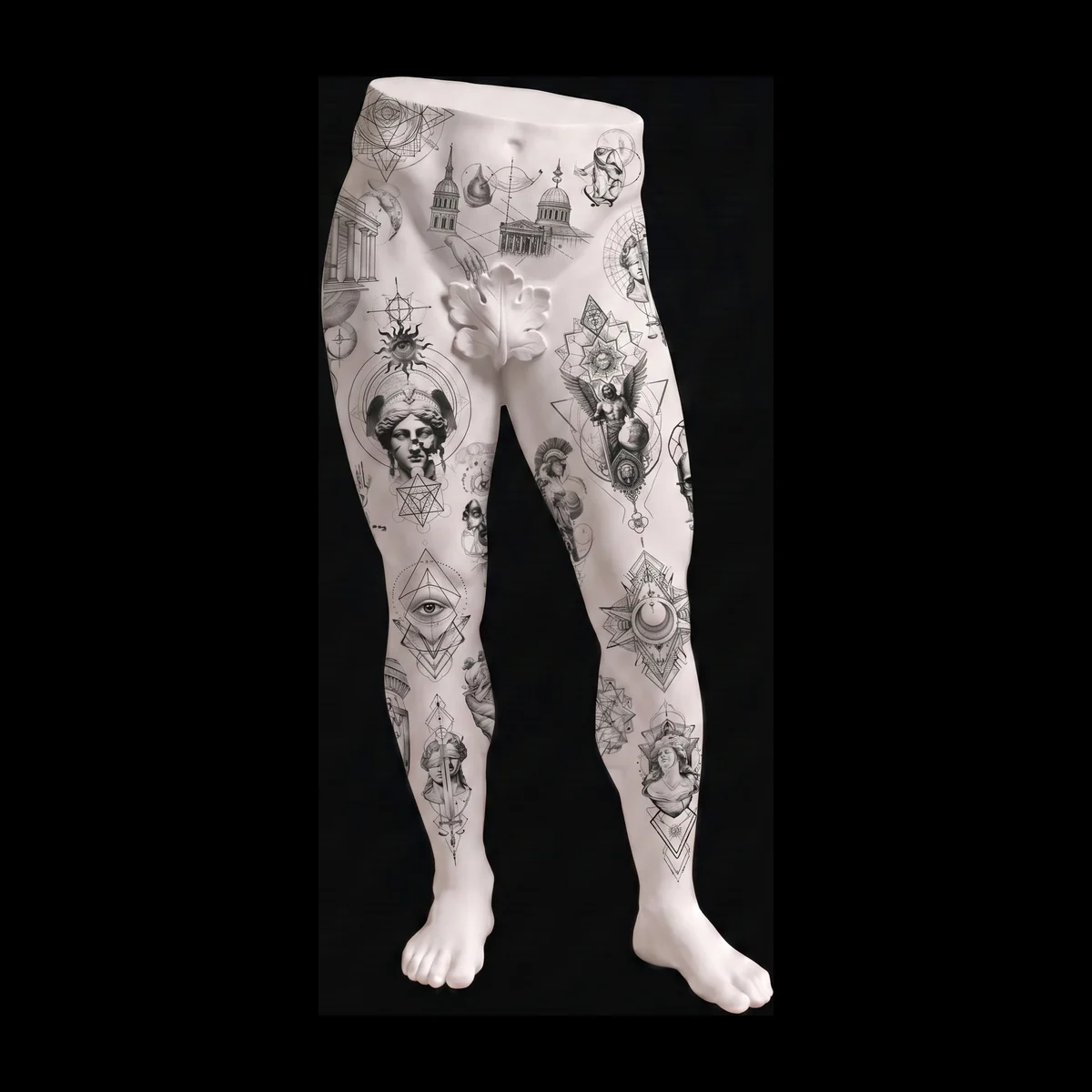
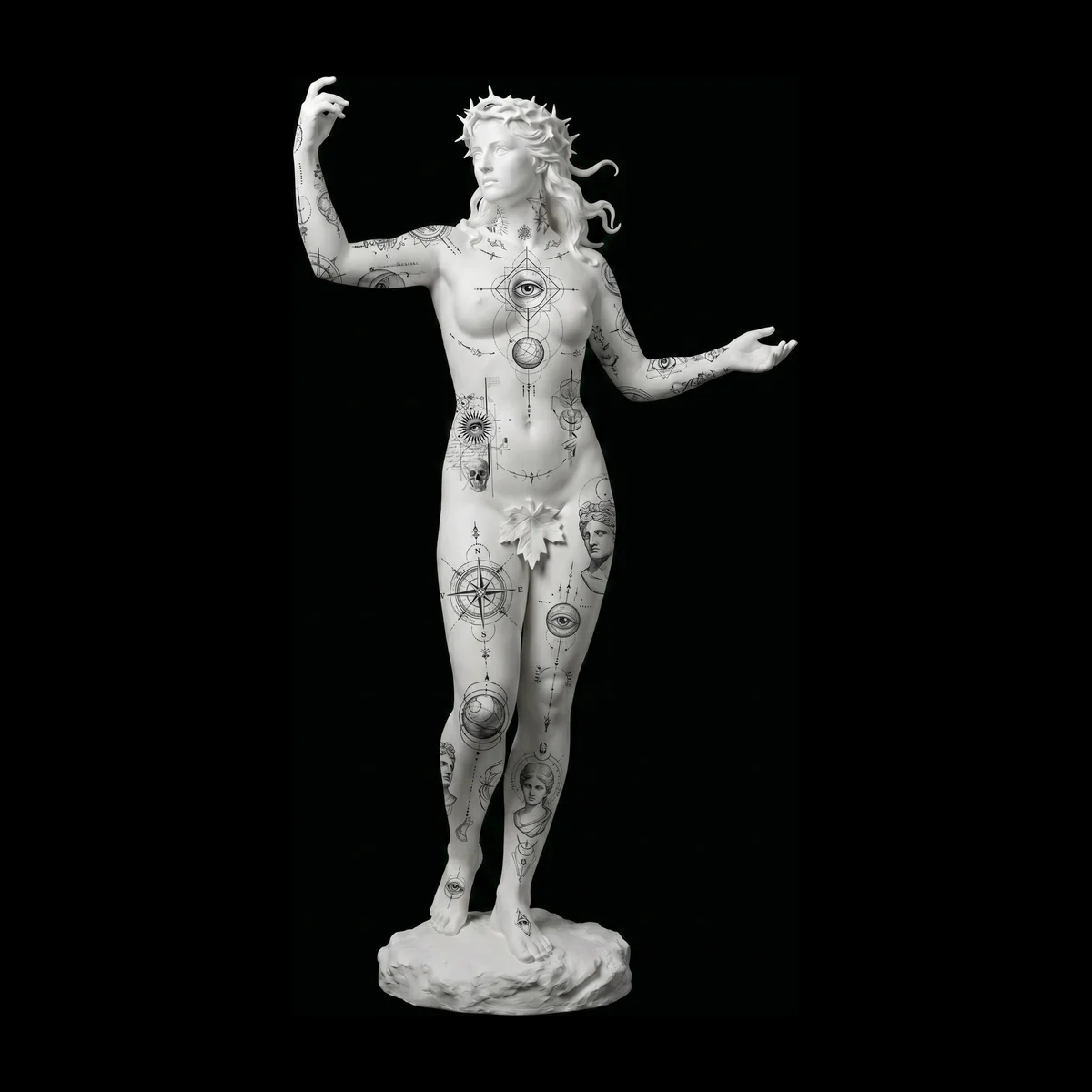
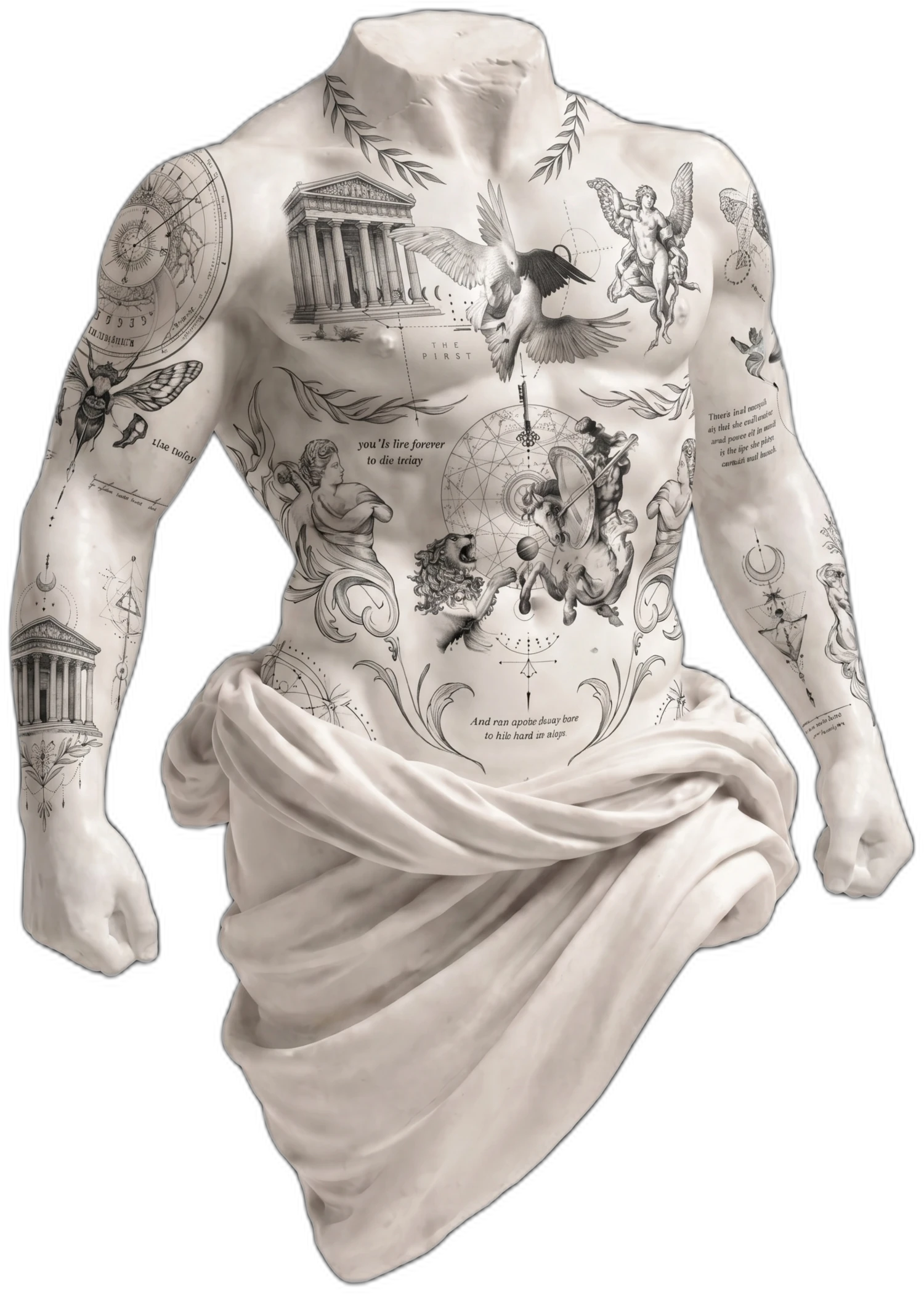
- Every design is shown on a body before it's sent. The artist places it at real size and checks it from all sides.
- Every client gets the same kind of link. A private preview with an access code, sent with a short message the studio wrote once and reuses.
- No session without an approval. The front desk checks that the project shows the client's approval before confirming the appointment.
On the Master plan, the studio's logo appears on every client preview, so the link looks like it came from the shop rather than from a tool.
What changes
- Covering for each other gets easy. The project shows the latest design, its size and the client's comments in one place.
- Clients get the same experience from both artists. The studio feels consistent, which reads as professional.
- Disagreements get short. "You approved this, at this size" is a calm conversation when the record is right there.
- The feed fills itself. Approved previews become short videos for Instagram and TikTok, once the client is happy to share.
A process only works if it's easier than not having one. Keep it to steps you'd do anyway, just in the same place every time.
Setting it up in your studio
Write the client message once: what the link is, that the code comes separately, and that they can approve or pin a comment on the body. Agree on the rule "no approval, no appointment" with everyone who takes bookings. Then run your next five consults this way before deciding whether to keep it. For the full workflow from first message to aftercare, read a professional studio workflow, step by step.
2 min read
Try it on your next client
Put your design on a 3D body in about five minutes.
Free to start, no credit card. One full client project with sharing and approval.