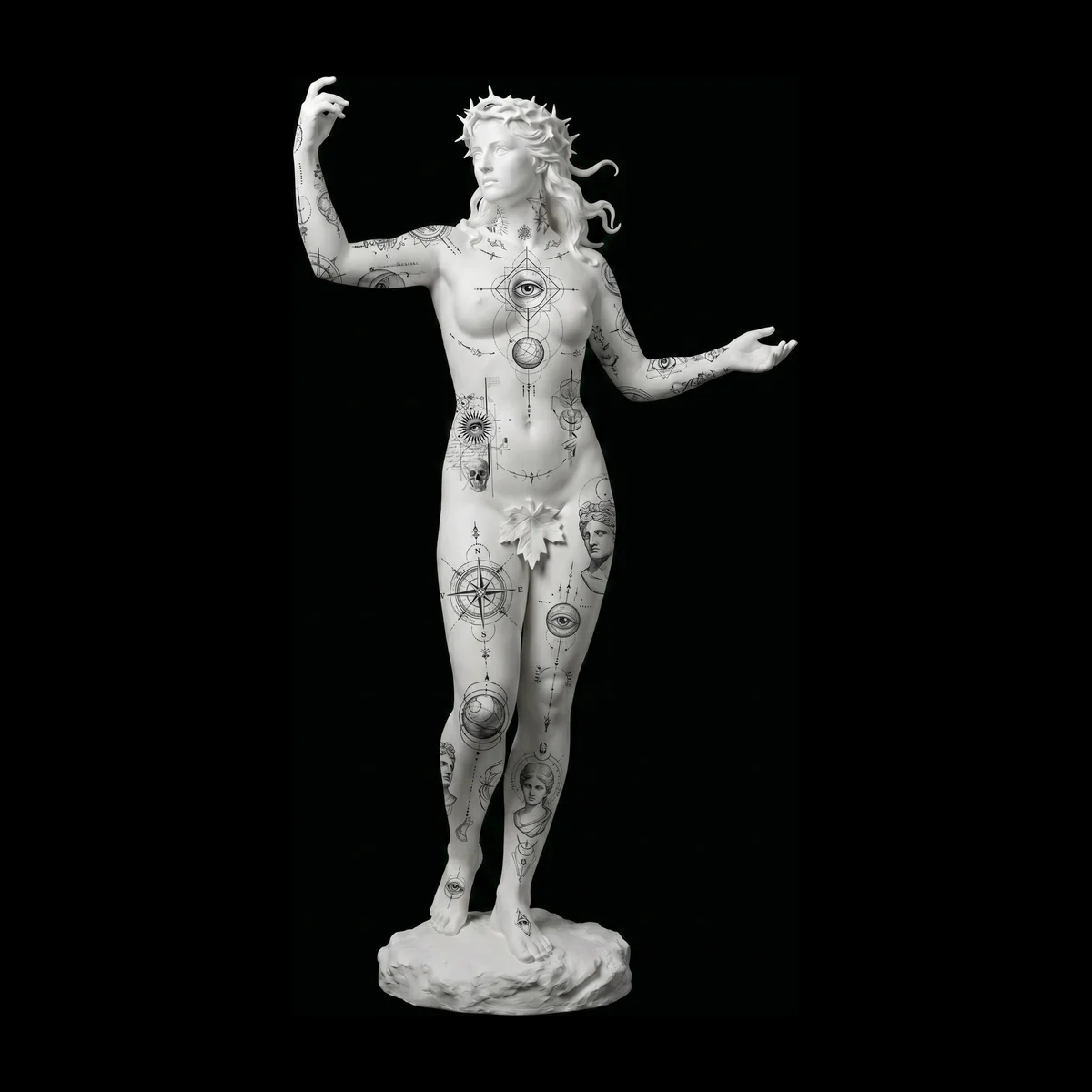
A professional studio workflow, from first message to healed photo
The stages every tattoo goes through, what to settle at each one, and small habits that make a studio feel organised to clients and calmer for the artists.
The InkVista3D team
2 min read
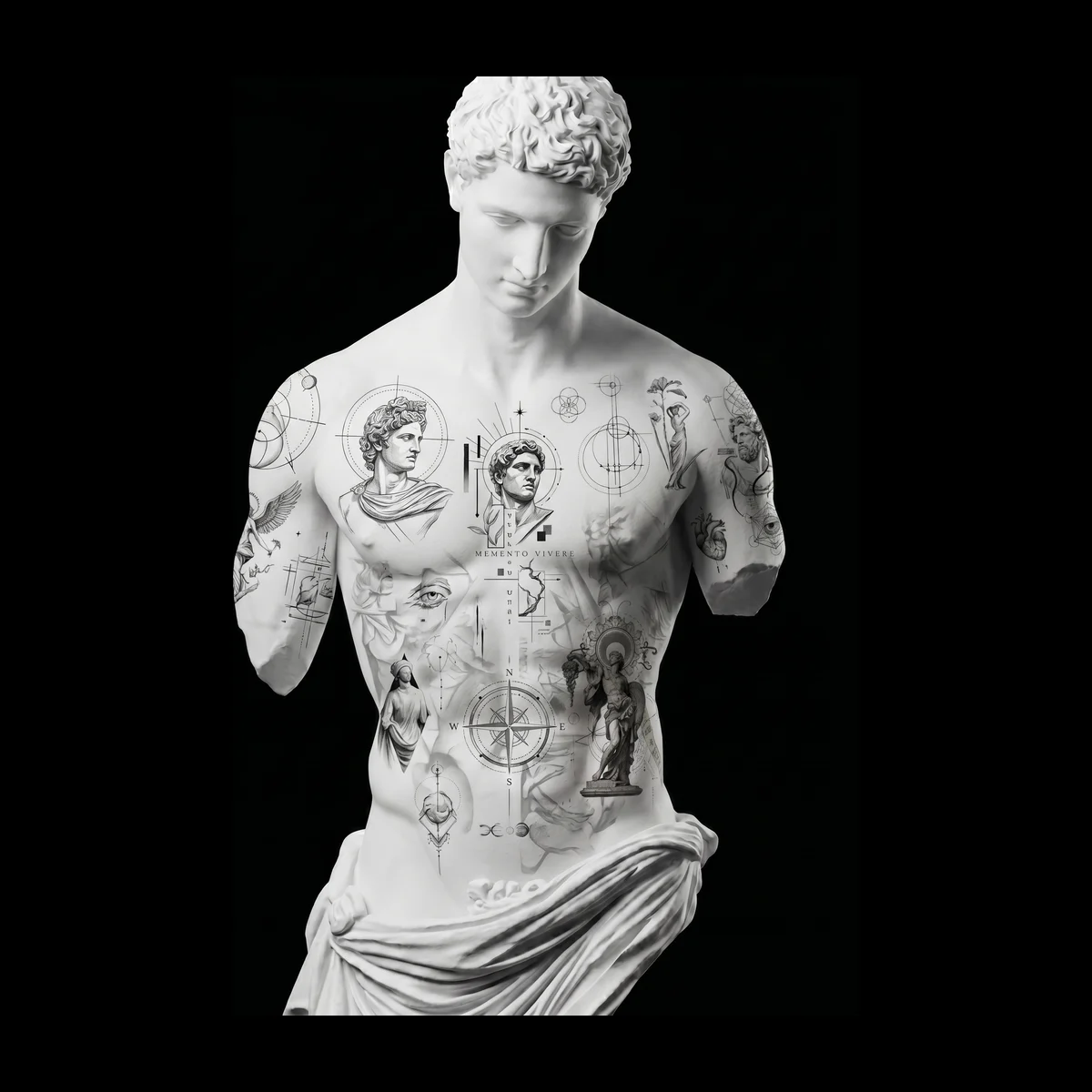
Clients judge a studio long before the needle: by how quickly you reply, how clear the next step is, and whether anything gets lost along the way. A simple, repeatable workflow does most of that work for you.
1. Enquiry
Reply with the same few questions every time, so you can quote and plan without a long back-and-forth:
- Idea and style, with references if they have them
- Body area and which side
- Rough size in centimetres or inches
- Any existing tattoos or scars nearby
- When they're hoping to get it done
2. Consult
Turn the answers into decisions: placement, size range, colour or black-and-grey, and how many sessions. Write them down where the whole studio can see them. This is the step that prevents most redraws later, so it's worth ten extra minutes.
3. Design and preview
Draw the piece, then show it on a body before you send it. In InkVista3D, place it at real size, set the skin tone, and turn the body to check how it reads from every side. Fix anything you'd question yourself before the client ever sees it. Our placement and sizing guide covers what to look for.
4. Approval
Send one private link with an access code. The client turns the preview, pins comments on the exact spot they mean, and presses Approve design when they're happy. Make it a studio rule: no approval, no confirmed appointment.
5. Booking and prep
Confirm the date, the deposit and your aftercare basics in one message. Before the session, print the stencil PDF at the approved width, on A4 or Letter, at 100% scale.
6. Session
Open the approved preview at the start and check the stencil against it, and against the client. Starting from a shared, approved picture keeps the first ten minutes calm instead of becoming a second consult.
7. Aftercare and follow-up
Send written aftercare the same day. A week or two later, check in and ask for a healed photo. With the client's permission, share the piece: a short 3D video of the design plus the healed photo makes a strong post.
2 min read
Try it on your next client
Put your design on a 3D body in about five minutes.
Free to start, no credit card. One full client project with sharing and approval.