From approved preview to stencil, and onto your feed
Once your client says yes, the same project gives you a print-ready stencil at true size and short videos made for Instagram, Reels and TikTok.
The InkVista3D team
1 min read
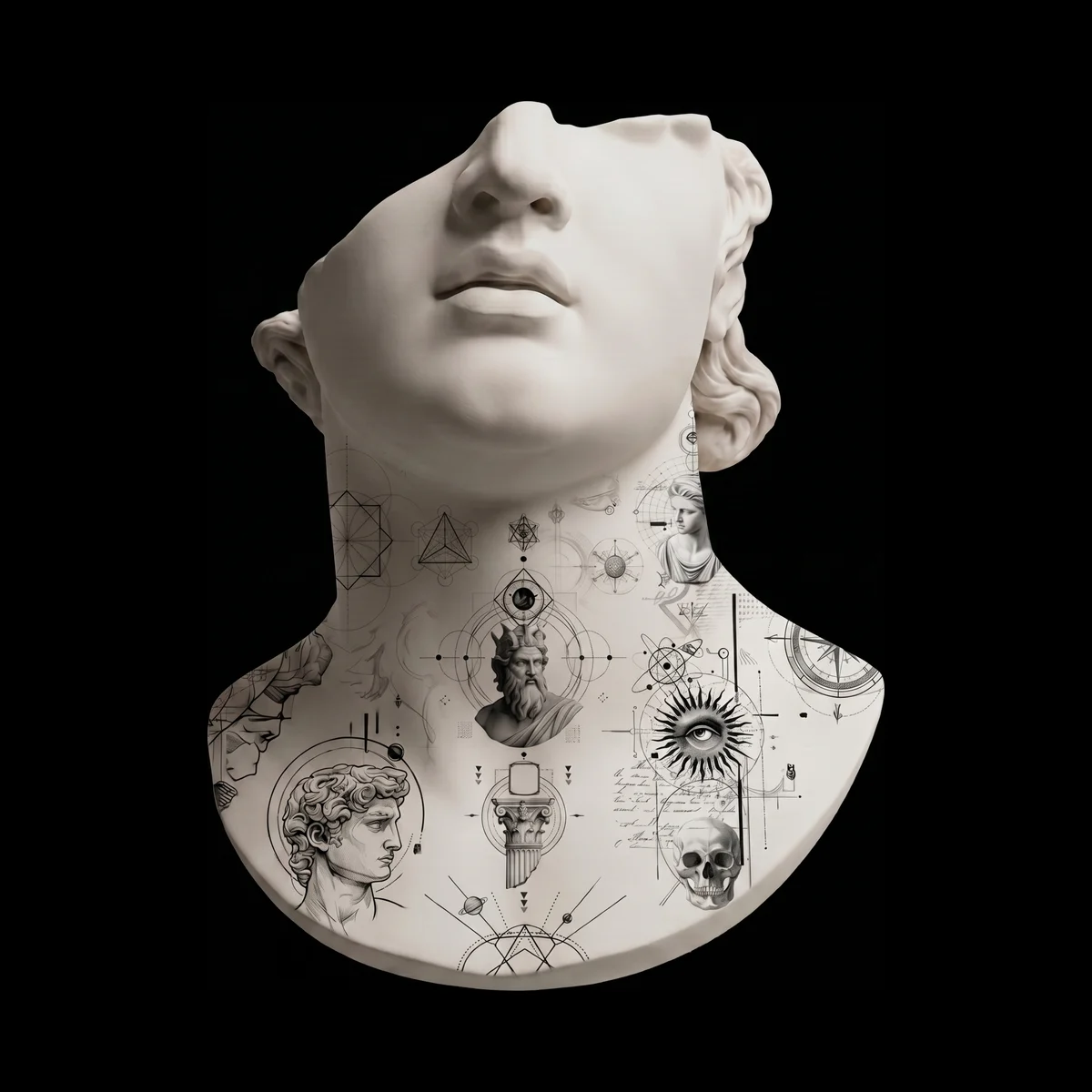
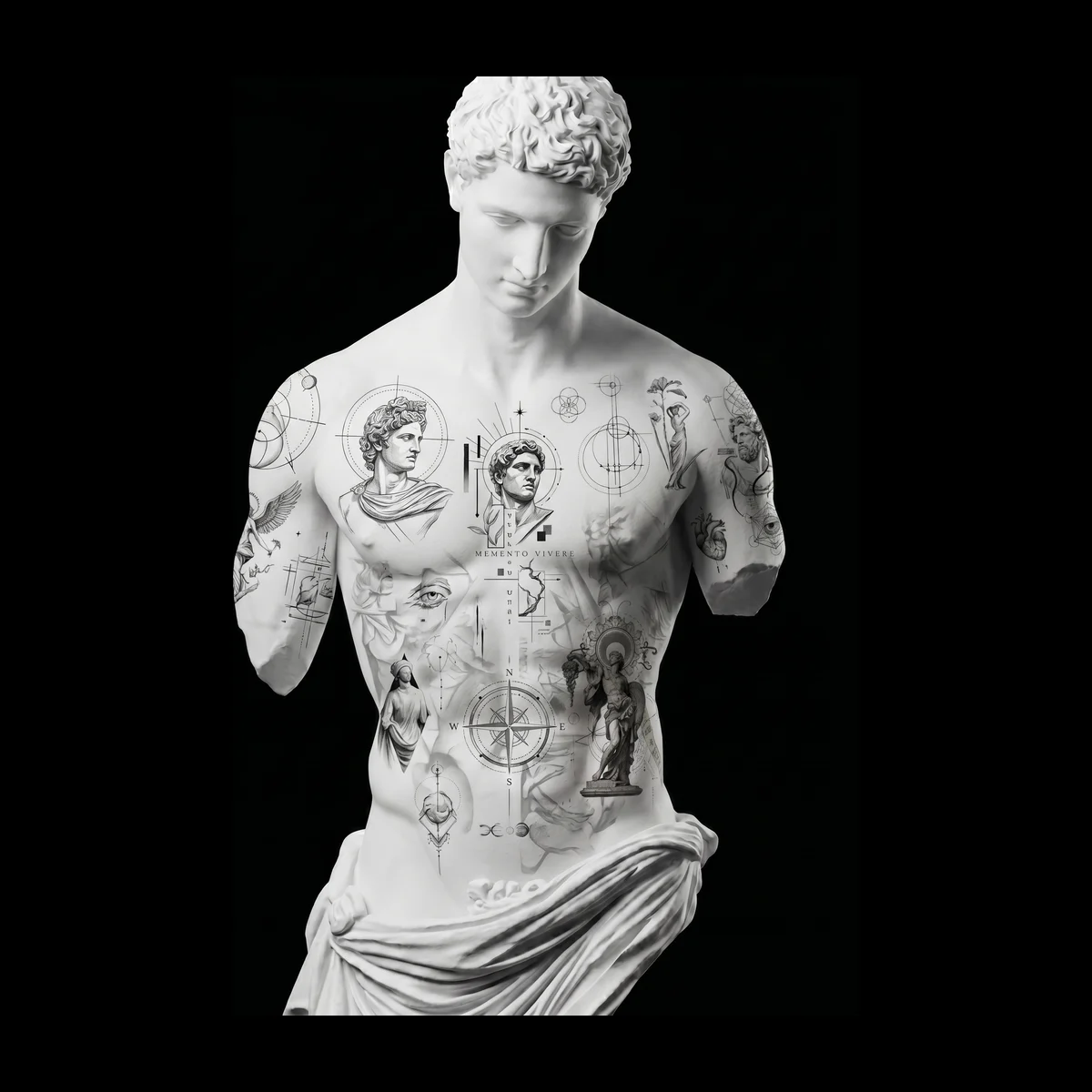
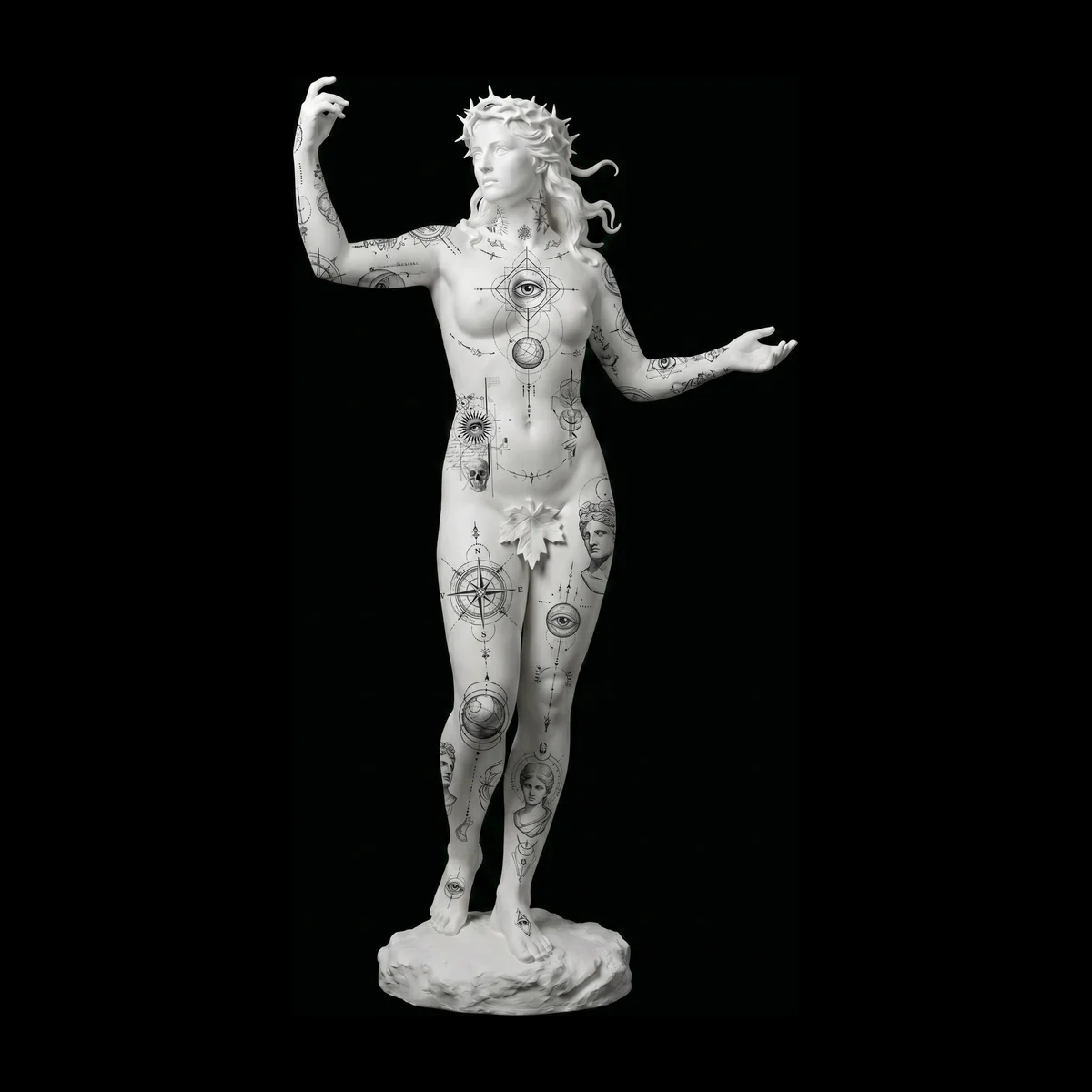
An approved preview is useful twice more: once in the chair, as a stencil at the size you agreed, and again on social media, where a slow turn around a 3D body shows the piece better than any flat flash sheet.
Print a stencil at true size
Open the stencil export from your design and choose a style:
- Stencil: clean black lines, ready for thermal or transfer paper.
- Outline: traced edges only, for when you want the bare structure.
- Original: the artwork as you designed it.
Set the width in centimetres, choose A4 or Letter paper and download a PDF. The page notes the design's name and size, so the print in your hand matches what your client approved. Turn on Mirror when your transfer method needs a reversed image.
Make a video for social
Export a short MP4 of the design on the body with a camera move, in the shape your platform wants: Portrait 4:5 for Instagram posts, Square 1:1 for feeds and DMs, or Story 9:16 for Reels, TikTok and Stories.
- 360° turn: one full turn around the body. Included on every plan.
- Showcase sway, Push in, Rise & orbit and Front to back for more variety. Included on the Artist and Master plans.
Prefer a still? Export a PNG image of the current view instead.
Ask before you post
A custom piece is personal. Check with your client before posting their design, especially before the tattoo is done. Many are happy to share; some would rather keep it a surprise.
1 min read
Try it on your next client
Put your design on a 3D body in about five minutes.
Free to start, no credit card. One full client project with sharing and approval.